Reliable internet connectivity has become an essential part of our everyday lives, and when broadband services experience disruptions, it can be frustrating. If you’re a Sky customer in the UK and are experiencing issues with your internet connection s, it’s important to determine whether the problem is specific to your own setup or if it’s a widespread service outage. In this article, we will guide you on how to check if Sky Broadband services are down using reliable sources and get the support you need.
Moving? We can set up all your essential services and save you up to £532 a year. Get started ›
Utilise the Sky Service Status Checker
Sky offers a dedicated service status checker on their website, making it a convenient starting point to assess if there are any known issues. Visit the Sky Help Service Status page and you’d be able to check if there are any known issues for Sky Broadband, Sky TV, Streaming, Sky Mobile and Sky apps. Sky provides real-time updates on service interruptions and estimated restoration times (if applicable).
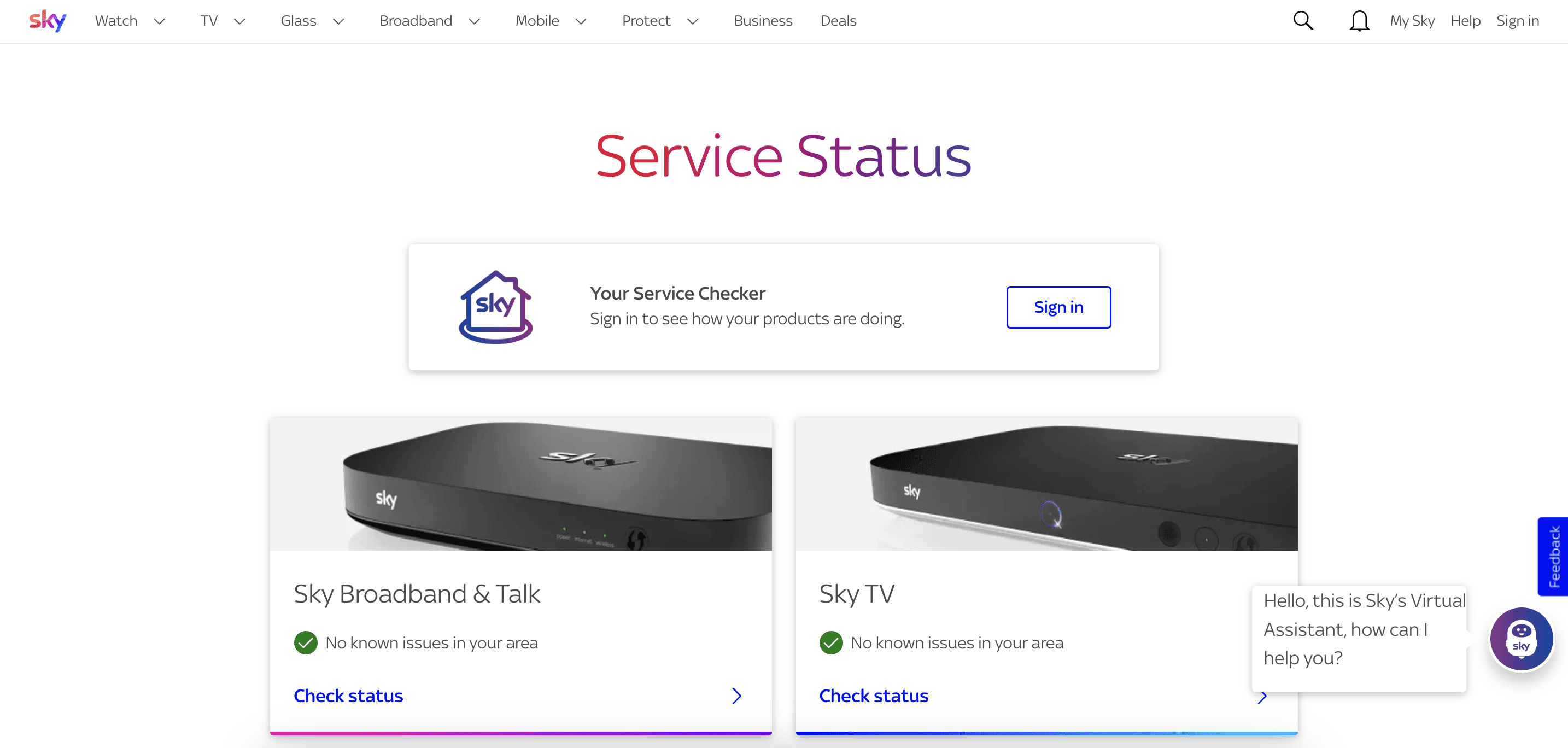
If there aren’t any known issues in your area displayed, sign into your account (at the box just below the text “Service Status”) to check if any of your devices are malfunctioning/ disconnected.
Monitor Official Sky Support Channels
Stay updated on the latest news and service notifications by monitoring Sky’s official support channels. Sky’s Twitter account @SkyHelpTeam and their community forum are reliable sources for real-time updates on service outages and troubleshooting advice. Following these channels allows you to receive notifications directly on your device, ensuring you are promptly informed about any issues and their resolution.
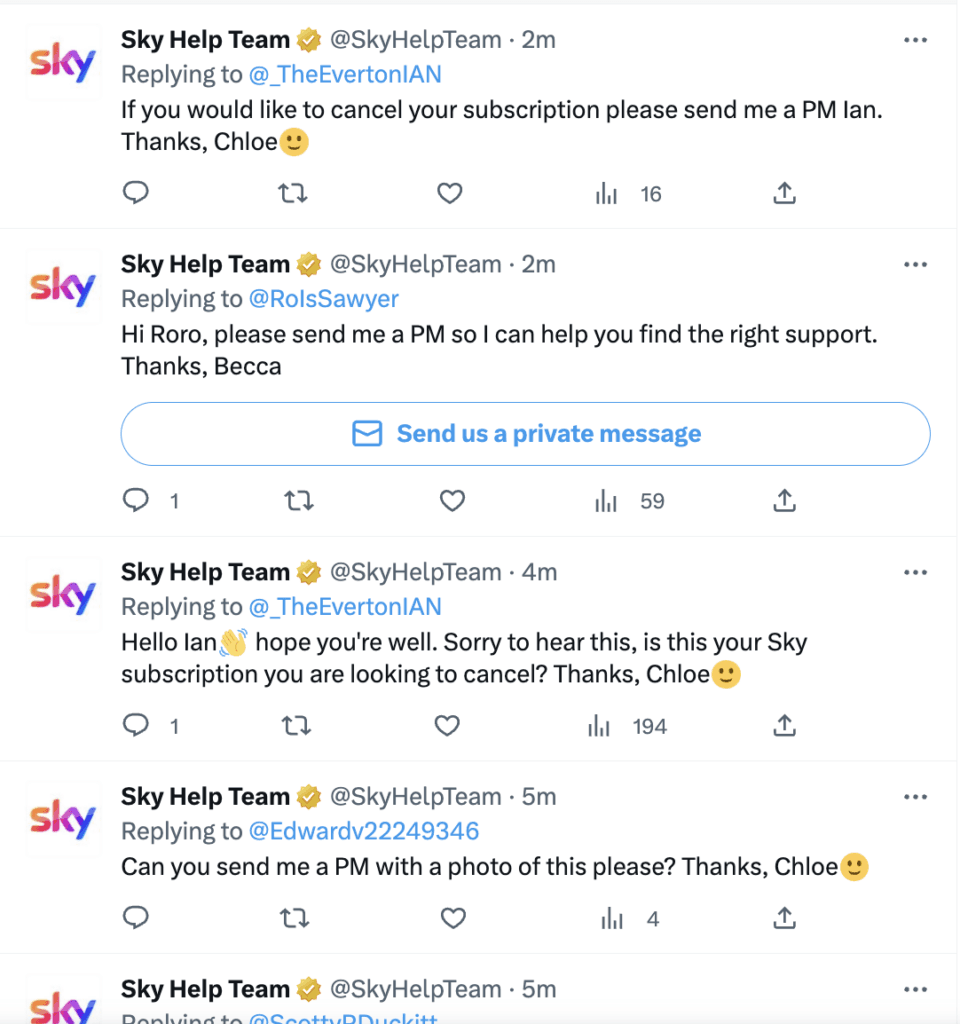
If you can’t find anything relevant to your situation, give them a message or write a tweet (and tag them in it) so a member of staff can reach out to you.
Sky’s other social media channels
Instagram: @sky_uk Facebook: @sky Twitter: @skyUK
Engage with the Sky Community Forum
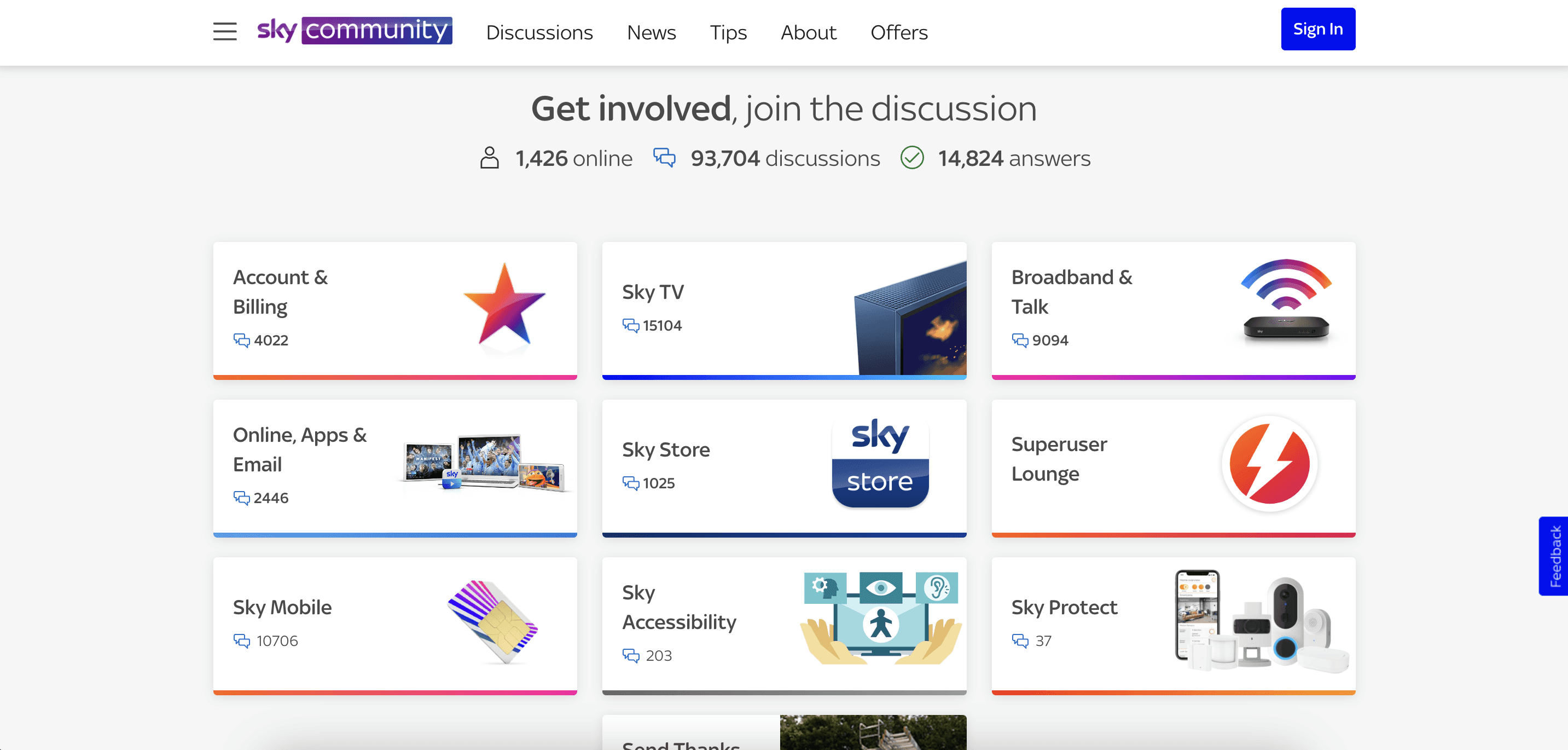
The Sky Community Forum is an active online community where Sky customers and experts share their experiences, troubleshooting tips, and updates on service disruptions. Browsing the forum threads can provide valuable insights into ongoing issues, potential workarounds, and announcements from Sky representatives. Engaging with other customers and experts might even help you resolve your specific problem.
Check Independent Outage Monitoring Websites
Several independent websites monitor service outages across different providers, including Sky. One such site is DownDetector, which collects and displays user reports about service interruptions. You will be able to see if other customers are experiencing similar problems in your area. Although these platforms rely on user-reported data, they can provide an additional perspective on the scale of an outage.
Contact Sky Customer Support
If you have exhausted all the aforementioned options and are still unsure about the status of Sky Broadband services, contacting Sky customer support directly is a reliable way to get the most up-to-date information. You can reach Sky’s customer support team via phone, live chat, or email, and they will be able to assist you with any service-related queries and provide personalized support.
Sky Customer Support Contact
Phone: 0333 7591 018 / 0333 7591 931 Live chat: https://www.sky.com/help/home (bottom right robot icon) Email: previously help@skycustomersupport.com, Sky no longer accepts email enquiries
Looking at Sky broadband packages? Book a free call with Please Connect Me for exclusive Sky offers